CSE15L_Lab_Report3
Group Choice 1 – Streamline ssh Configuration
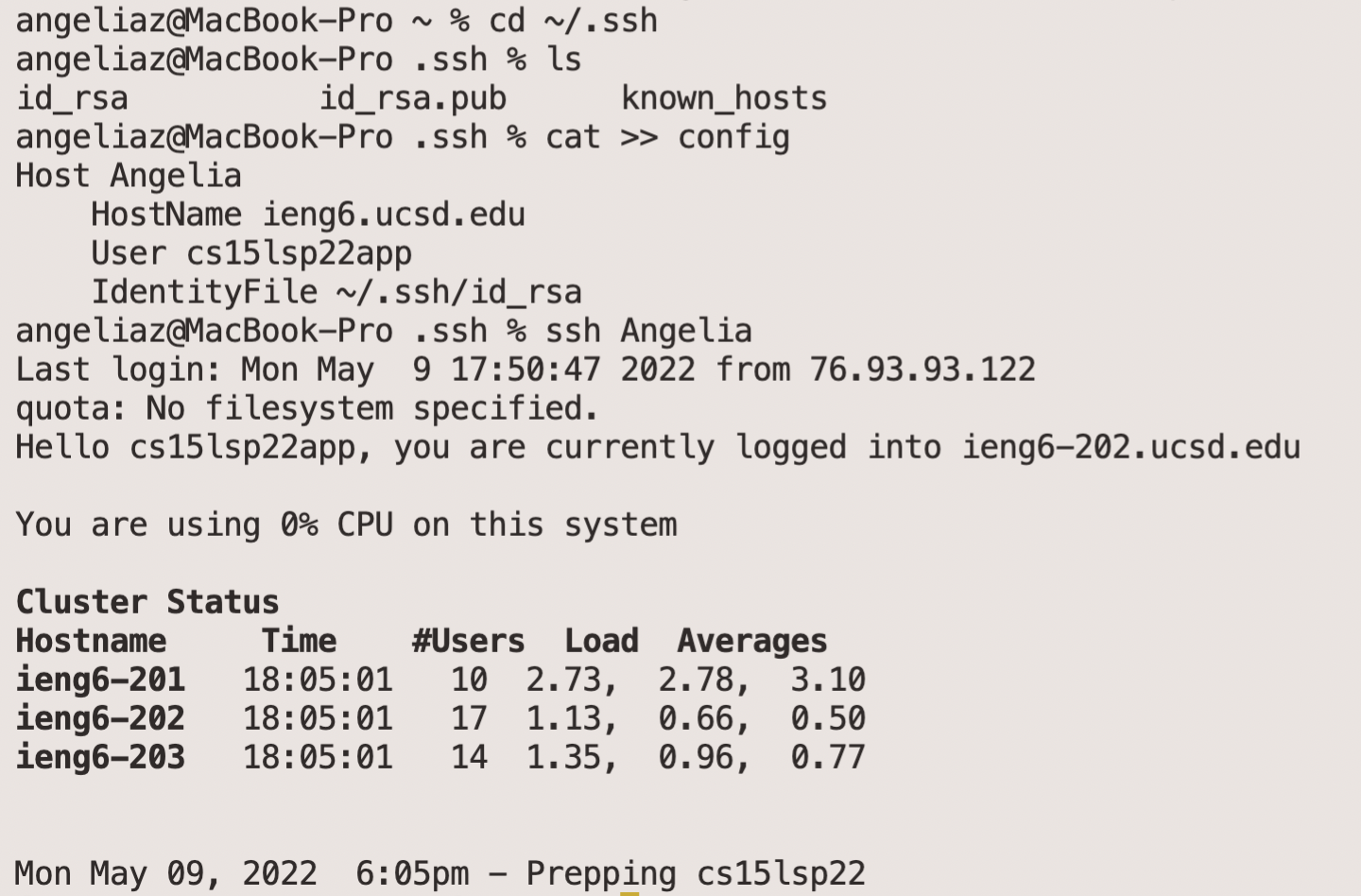
.ssh/config and ssh command.
I changed the name(after Host) to Angelia and then I can use ssh Angelia to log in the remote server.
scp Command
Now I can use some command with the name I set.

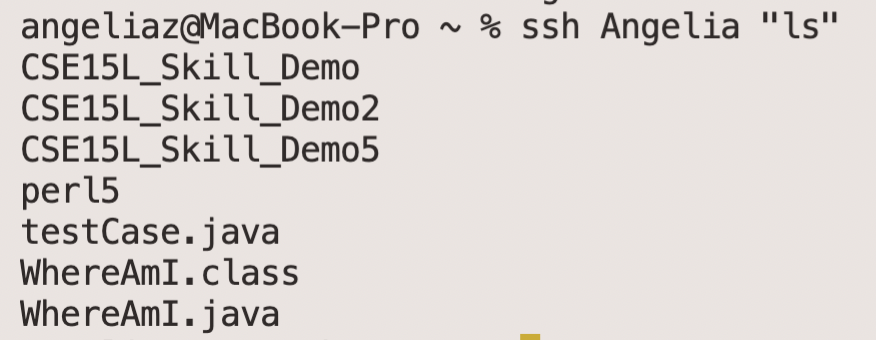
You may change that name to whatever you like!
Group Choice 2 – Setup Github Access from ieng6
Public Key
Here’s the ssh stored on Github
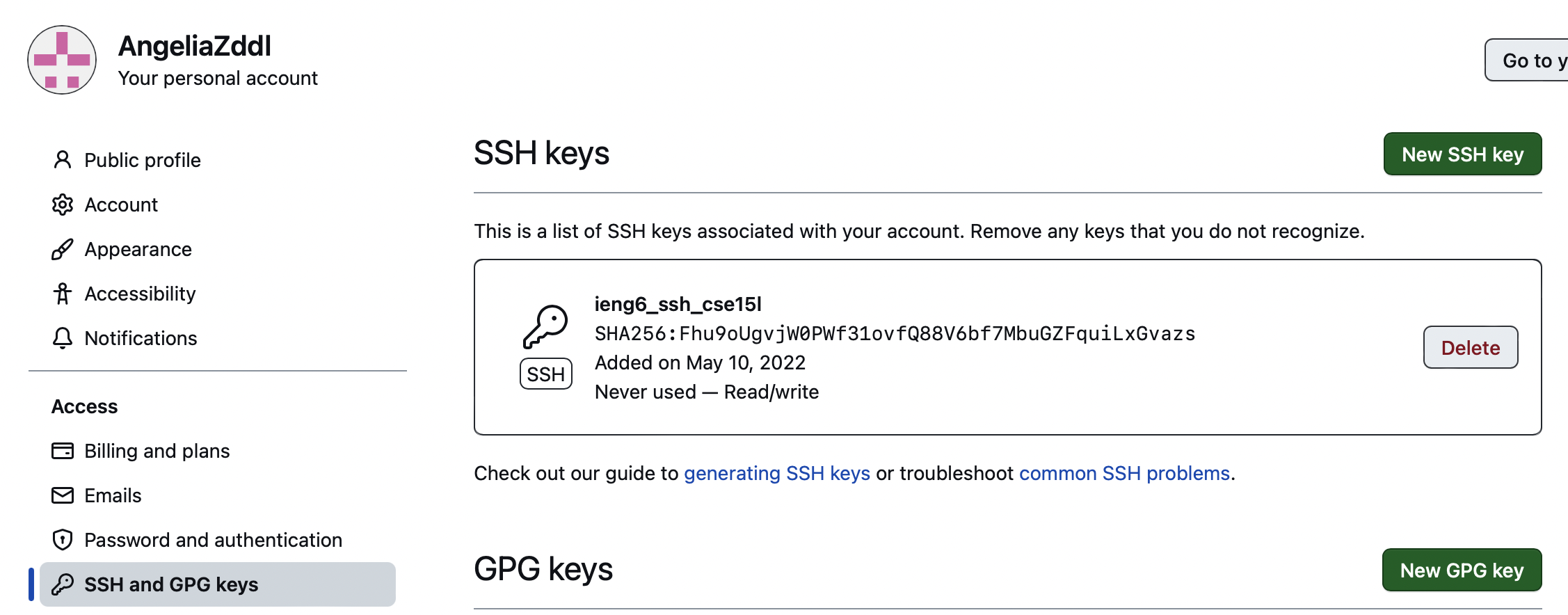
Matching the key in my account

Private Key
This is the private token created and copied from Github. I stord it on the remote server by git config --global credential.helper store.

Running git Command While Logging Into ieng6 Account
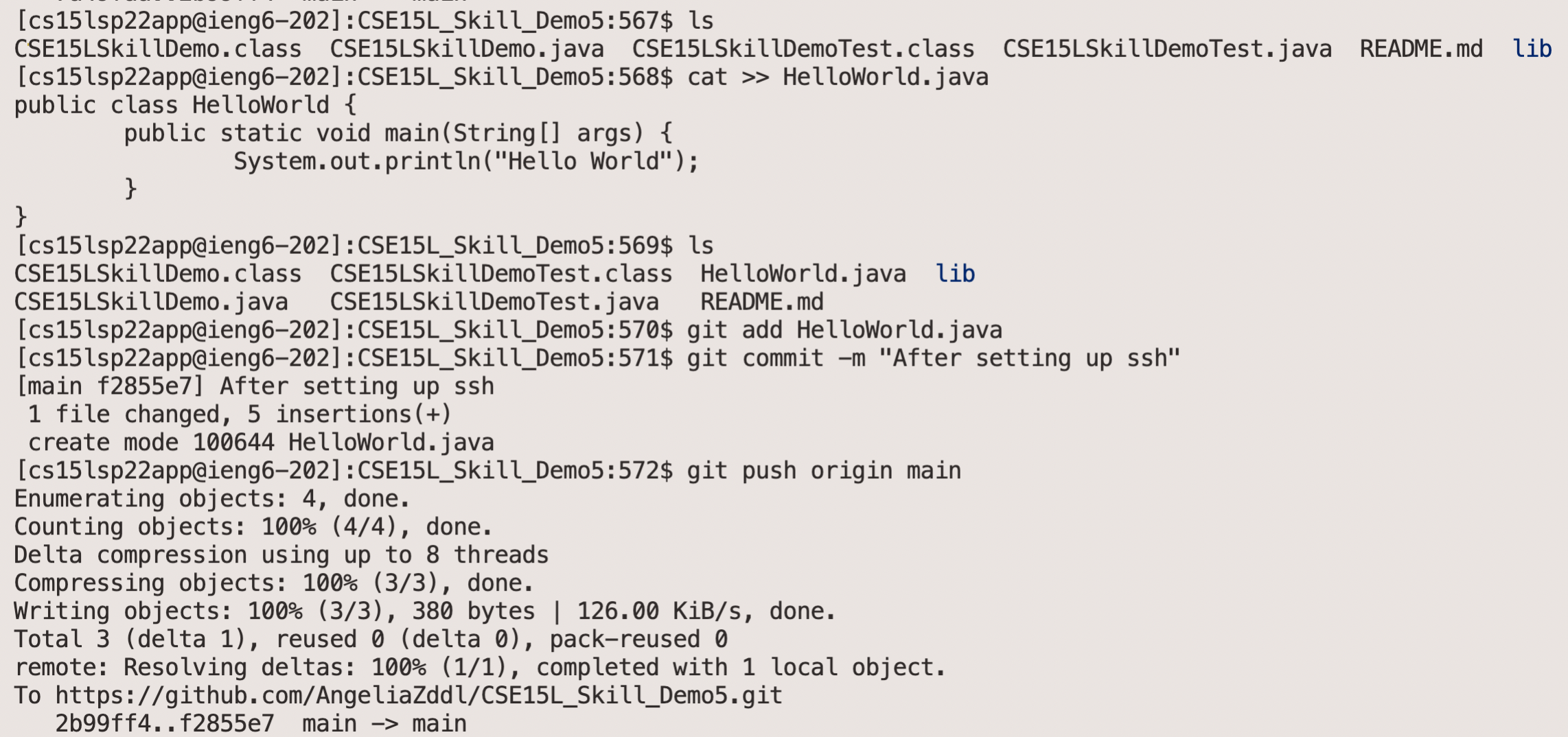
Link for the Resulting Commit
Here is the Link for the resulting commit.
Now it’s no needs to put in the password every time while committing and pushing.
Group Choice 3 – Copy Whole Directories with scp -r
Copying your whole markdown-parse directory
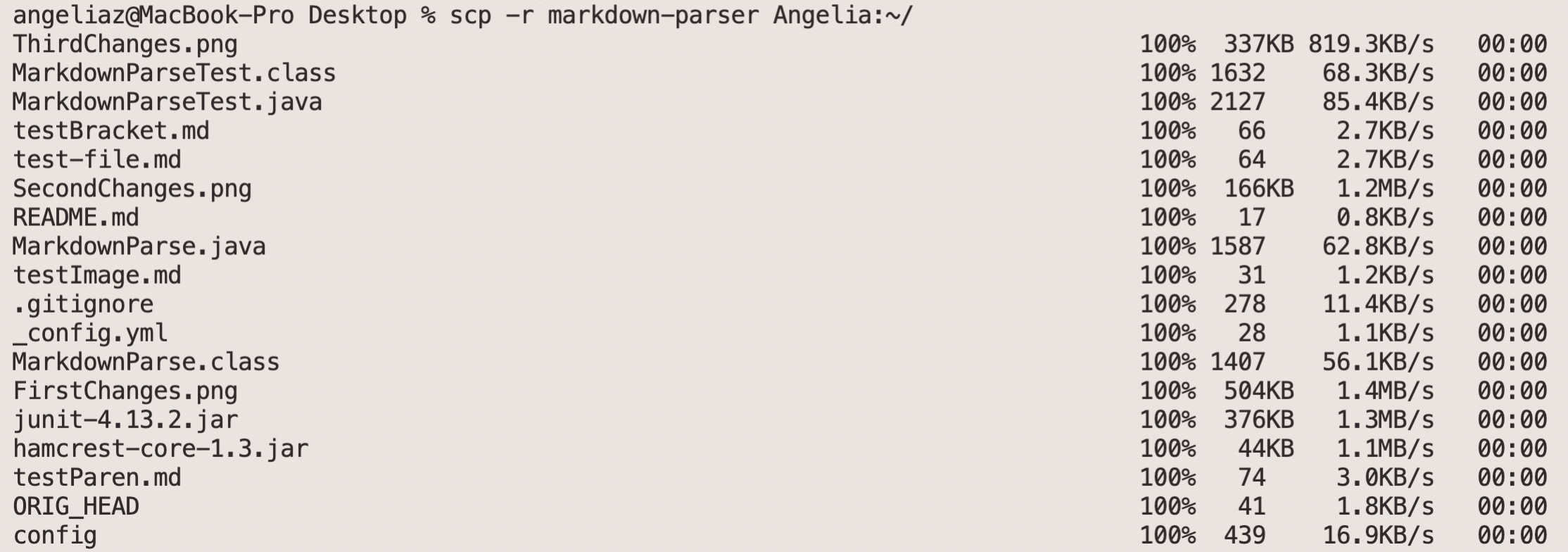
Logging into your ieng6 account after doing this and compiling and running the tests for your repository
I made some changes for this file, deleting the .png files and then commit and push the changes to the origin main.
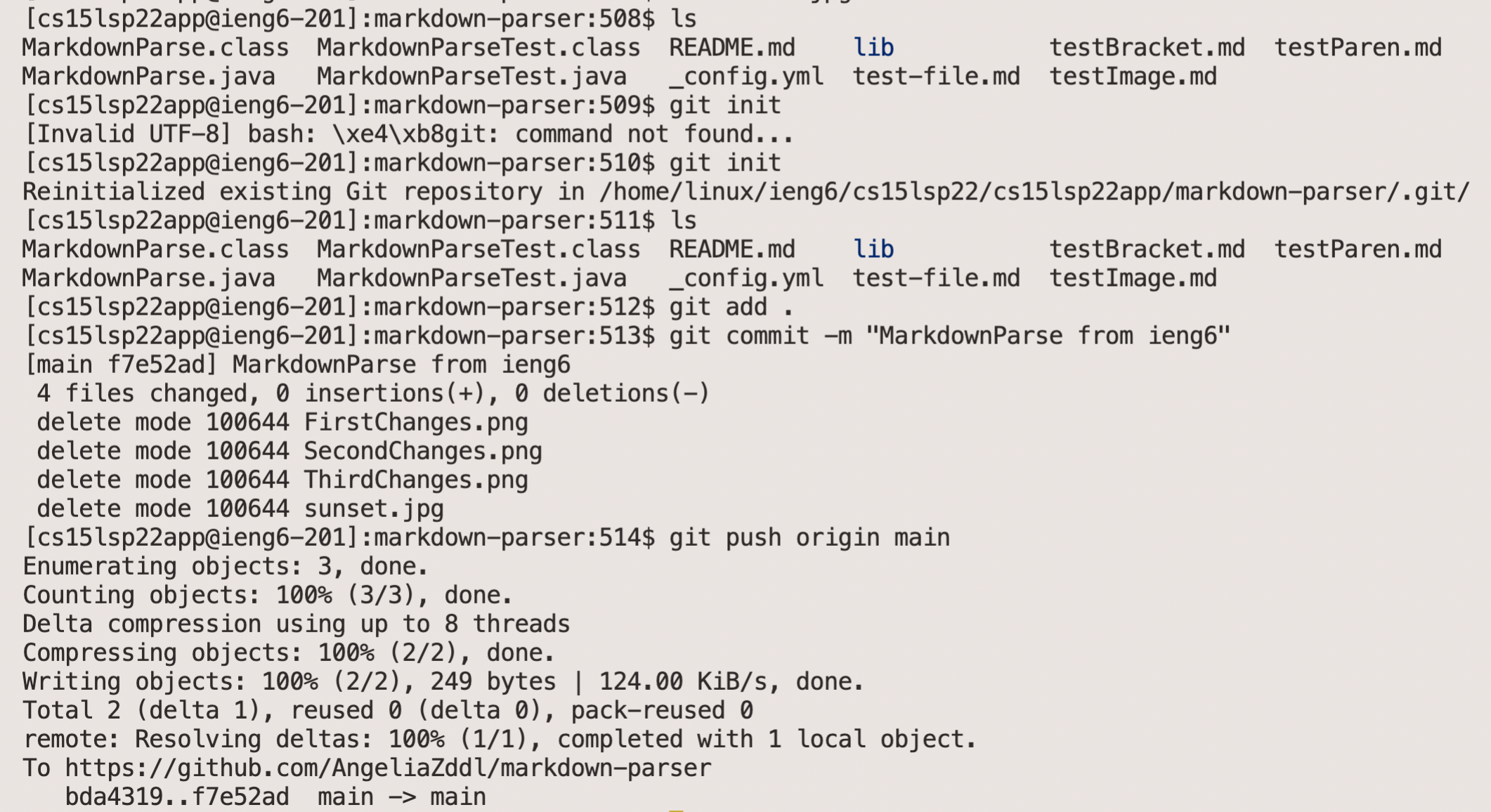


Combining scp, ;, and ssh: copy the whole directory and run the tests in one line
I can compile the MarkdownParseTest.java both on the me local computer and the remote server, like the picture above. But the test always fails while combining the scp -r and ssh in one line and running it. I worked with tutors several times, checked all the possible ways we could figure out, but haven’t solved this problem so far.
-Thank you-